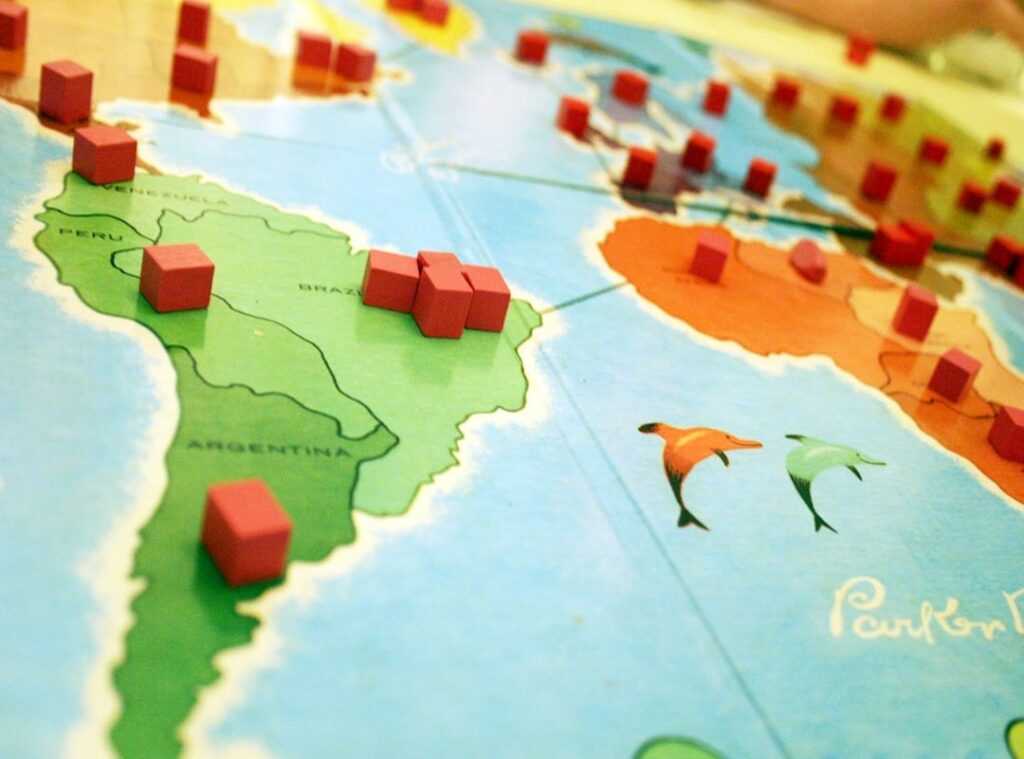

Staring at a blank editor grid can feel like facing a wild beast. You’ve got ideas swirling, but where do you even begin? If you’ve been lost in the chaos of forums and endless tutorials, you’re not alone.
I’ve spent countless hours doing just that (and lived to tell the tale). This article isn’t about just throwing random tools your way. It’s a curated guide, cutting right to the chase.
We’re diving into the best map creation tools for game designers. Expect a clear path, from concept to a playable level, without the fluff.
Why trust me? Because I’ve sifted through it all (asset) packs, failed attempts, and community wisdom (to) find what truly works. By the end, you’ll wield practical tools and takeaways like a pro.
Ready to conquer that blank canvas?
The Blueprint Phase: Sketch Before You Dig
You know what’s underrated? Paper. Yeah, I said it.
The best maps start on paper, not on some fancy software. Before you even think of placing a single polygon, grab a pen and sketch. It’s old school, sure, but it gets your ideas flowing without the distraction of digital tools.
Do you really need to jump into complex software right away? I don’t think so.
Why? Because sketching forces you to think about the layout and flow without getting bogged down in details. You focus on the essentials.
Ever heard of “whiteboxing” or “block-meshing”? It’s the first digital step. You use basic shapes to test the map’s layout, flow, and sightlines.
It’s about seeing if your idea holds water without the bells and whistles. This step is key for testing without distraction.
Of course, sometimes you need to go digital. simple diagramming tools like draw.io or Miro come in handy. They’re perfect for making player flow diagrams or marking objectives. These map creation tools help visualize your ideas in a way paper sometimes can’t.
But don’t get too attached to them. They’re just tools, not the final product.
Need inspiration? Dive into sites like ArtStation or Pinterest. Even Google Maps (switch to satellite view) can spark ideas with real-world layouts.
Imagine crafting a search-and-destroy map based on a cityscape or a natural formation. Intrigued? You should be.
For more on making your maps stand out, check out new map design team plan. Trust me, it’s worth a look.
Your Digital Workbench: Important Software for Map Makers
Building your personal toolbox for creating digital maps isn’t about having every shiny new gadget. It’s about key tools that get the job done. Honestly, you don’t need everything under the sun.
Who’s got the time (or) the budget (for) that?
Then there’s Unity, which thrives on flexibility and has a massive asset store. It’s a favorite among indie developers and for mobile projects. And don’t overlook Godot, especially if you’re a beginner or a 2D enthusiast.
to game engines first. The three big players each have their strengths. Unreal Engine is perfect for those seeking high-fidelity graphics and who own a beefy PC. It’s like the Ferrari of game engines (without the insane price tag).
It’s free, open-source, and surprisingly strong. Each has its place depending on your project and skills.
Now, let’s talk 3D modeling. Even if you lean on pre-made assets, knowing basic modeling is a superpower. Trust me. Blender reigns supreme here.
It’s free and a powerhouse for indie developers. Industry big shots like Maya and 3ds Max are great too, but they come with steeper price tags and learning curves.
What about specialized level editors? Sometimes niche tools are exactly what you need. Consider TrenchBroom for Quake-style retro FPS maps or Hammer for Source engine games.
Each offers unique tools that can make your maps really stand out.
So, where do you start with all this? Check out map creation tools and see which fit your needs. You shouldn’t overwhelm yourself with flashy options.
It’s about picking what’s right for your style and project. Go out there and create something amazing. Your digital map-making journey is just beginning.
Dressing the Set: Your Guide to High-Quality Game Assets
Ever looked at a map and thought, “This looks like a ghost town”? You’re not alone. A well-designed map can fall flat without the right dressing (like an underwhelming movie set).
That’s where set dressing comes into play.
Let’s talk about the difference between prototyping assets and final production assets. When you’re just starting, free resources like Kenney.nl are your friend. They offer amazing prototyping kits that’ll get your ideas flowing.
But when it’s time to go pro, Quixel Megascans (free with an Epic Games account) is where the magic happens. These photorealistic textures can raise your game to new heights.
But what about paid resources? The Unity Asset Store and Unreal Marketplace are worth their weight in gold. Sure, they cost money, but they save time (and headache) like nothing else.
Your map creation tools have never looked better with these assets.
Here’s a pro-tip: A consistent art style beats high-fidelity graphics every time. Mixing styles is like serving sushi with mashed potatoes. Pick an asset pack and stick to it.
Your players will thank you.
Curious about how player behavior impacts map design? Dive deeper into analyzing player behavior map design to see how your maps can be more engaging. Understanding your audience is key.
Remember, map creation tools are just that. Tools! It’s your vision and choices that bring a game to life.
So, start dressing your set and watch as your maps transform from bland to breathtaking.
Join the Guild: Learn and Connect with Other Map Devs
Making maps can feel like you’re alone on a deserted island. Trust me, I’ve been there. You need community.
It’s not just a nice-to-have; it’s important. Feedback, motivation, and a few good laughs. That’s what you get from being part of a group.
But where do you start?
YouTube University is a goldmine. Channels like ‘World of Level Design’ and ‘GDC’ are must-watch for anyone serious about this craft. They offer professional talks and tutorials tailored for tools like Unreal and Unity.
It’s all about finding those high-value channels that speak your language. You learn by seeing what the pros do and then trying it yourself.
Online communities are your next stop. The r/leveldesign subreddit is buzzing with people who live and breathe maps. Specialized Discord servers like The DiNusty Empire offer a more intimate setting.
Here’s a pro tip: when you ask for feedback, don’t just post a screenshot with a vague ‘what do you think?’ Be specific. Questions like ‘Does this area feel too open for a firefight?’ get you the constructive feedback you need.
Why rely solely on your own judgment when there are so many voices out there ready to help? With the right map creation tools and community support, you’re not just building maps (you’re) building skills and connections. Isn’t that what it’s all about?
Stop Staring at the Blank Canvas
Ever feel stuck, staring at a blank screen, not knowing where to start? Yeah, me too. But guess what?
You’ve got a toolkit now. From planning to polish, it’s all there (and practice is your best friend). No one’s first map is a masterpiece, and that’s fine.
The trick is to start. Pick one of those map creation tools, grab a free asset pack, and just build one room. This week.
Your move’s simple. Go ahead. Take that first step.
Download. Create. Overcome that paralysis.
You’re ready. Now, go build something you’ll be proud of.
 Head of Esports & Strategy Content
Ask Fredievoids Barnes how they got into esports tournament trends and you'll probably get a longer answer than you expected. The short version: Fredievoids started doing it, got genuinely hooked, and at some point realized they had accumulated enough hard-won knowledge that it would be a waste not to share it. So they started writing.
What makes Fredievoids worth reading is that they skips the obvious stuff. Nobody needs another surface-level take on Esports Tournament Trends, Fundamental Gaming Strategies and Tactics, Game Optimization Cheatsheets. What readers actually want is the nuance — the part that only becomes clear after you've made a few mistakes and figured out why. That's the territory Fredievoids operates in. The writing is direct, occasionally blunt, and always built around what's actually true rather than what sounds good in an article. They has little patience for filler, which means they's pieces tend to be denser with real information than the average post on the same subject.
Fredievoids doesn't write to impress anyone. They writes because they has things to say that they genuinely thinks people should hear. That motivation — basic as it sounds — produces something noticeably different from content written for clicks or word count. Readers pick up on it. The comments on Fredievoids's work tend to reflect that.
Head of Esports & Strategy Content
Ask Fredievoids Barnes how they got into esports tournament trends and you'll probably get a longer answer than you expected. The short version: Fredievoids started doing it, got genuinely hooked, and at some point realized they had accumulated enough hard-won knowledge that it would be a waste not to share it. So they started writing.
What makes Fredievoids worth reading is that they skips the obvious stuff. Nobody needs another surface-level take on Esports Tournament Trends, Fundamental Gaming Strategies and Tactics, Game Optimization Cheatsheets. What readers actually want is the nuance — the part that only becomes clear after you've made a few mistakes and figured out why. That's the territory Fredievoids operates in. The writing is direct, occasionally blunt, and always built around what's actually true rather than what sounds good in an article. They has little patience for filler, which means they's pieces tend to be denser with real information than the average post on the same subject.
Fredievoids doesn't write to impress anyone. They writes because they has things to say that they genuinely thinks people should hear. That motivation — basic as it sounds — produces something noticeably different from content written for clicks or word count. Readers pick up on it. The comments on Fredievoids's work tend to reflect that.