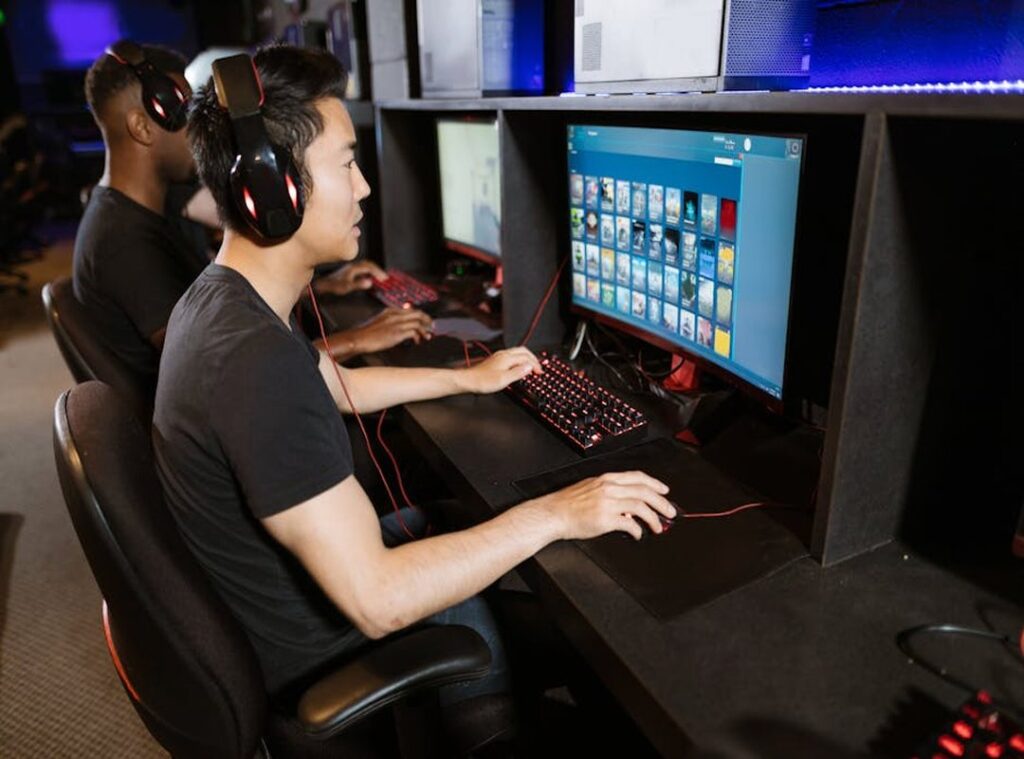

Ever feel like your console setup is holding you back? Like it’s costing you wins and breaking the immersion? A standard setup might be alright, but it’s not squeezing out every drop of performance and fun.
There’s a whole universe of console gaming optimization waiting to be explored. I’ve spent years tweaking and testing setups to gain a competitive edge, going beyond what’s just written on the box. This guide will give you the takeaways you need.
You’ll find actionable steps you can take today, some of which won’t even cost a dime. Ready to open up your console’s true power?
The Visual Upgrade: Beyond Just a Bigger Screen
When it comes to gaming, not just any screen will do. TVs and gaming monitors aren’t interchangeable (especially) when you’re chasing performance. The key difference?
It’s response time and input lag. TVs may offer grandeur, but monitors deliver precision. Ever notice your character move a split-second later?
That’s input lag, my friend.
Auto Low Latency Mode (ALLM), on the other hand, automatically switches your TV to Game Mode when you fire up your console. No manual toggling needed, which is a game-changer for console gaming optimization. And 120Hz?
Now, let’s talk display tech. Ever heard of VRR, ALLM, or 120Hz? Variable Refresh Rate (VRR) essentially syncs your display’s refresh rate with your console, preventing those annoying tears in fast-paced scenes.
Well, it doubles your frames per second, making sure every game feels as smooth as silk.
Pro tip: Always let ‘Game Mode’ on your TV. It’s like giving your console a direct line to your screen for faster response times. Also, calibrate HDR settings.
Vivid colors don’t just look fancy; they help with gameplay, too. And don’t forget to activate 120Hz output on your PS5 or Xbox. Without this, you’re not getting the full experience.
Lastly, let’s not overlook cables. An HDMI 2.1 certified cable is non-negotiable. It’s the only way to avoid unwanted visual artifacts and fully use your console’s capabilities.
For more on optimizing graphics settings high fps, check out the guide. Once you nail these settings, you’ll wonder how you ever gamed without them.
Hear Every Footstep: Master Your Audio Setup
Let’s face it, audio can make or break your gaming experience. Not just for immersion, mind you, but as a competitive tool. You ever get sniped by a camper because you didn’t hear them sneaking up?
Yeah, me too. That’s why you need to nail your audio setup.
Surround systems? They can deliver an impressive audio stage, but they’ll cost you. And your neighbors might not appreciate it.
Now, you’ve got two main paths: a high-quality gaming headset or a full surround sound system. Headsets are great for direct, clear sound. They wrap you in that sound bubble, especially with 3D Audio technologies like PlayStation’s Tempest 3D AudioTech or Dolby Atmos for Headphones on Xbox.
3D Audio might seem like magic, but it’s tech. It creates a bubble where you hear everything as if it’s happening around you. To set this up, dive into your console settings.
Find the audio options and let it. Console gaming optimization can get technical, but it’s not rocket science (trust me on this). Console gaming optimization is about getting the most out of what you’ve got.
Pro tip: Lower the music volume in-game. Crank up sound effects to catch key sounds like footsteps and reloads. Every noise can be a game-changer.
For wired headsets, consider using a DAC (Digital-to-Analog Converter). It’ll boost clarity and power beyond what you’d get plugged directly into a controller.
Ultimately, audio isn’t just about what you hear. It’s about what you don’t miss. Your choice?
Make it work for you.
Cut the Lag: Get Your Game On
Want to really up your game? Start with the basics. Use a wired Ethernet connection.

This simple switch lays the foundation for stable, low-latency gaming. Why? Wi-Fi is just unreliable for competitive gaming.
You get interference (walls,) other devices, microwaves (yep, them too). Wired ensures a direct line. No nonsense.
You don’t want to lose because of lag, do you?
Now, for a lesser-known trick: change your console’s DNS settings. It’s surprisingly effective. Switch to public DNS servers like Google or Cloudflare.
Easy fix, right? Here’s a quick walkthrough: go to your console’s network settings, select “manual,” and enter Google’s (8.8.8.8) or Cloudflare’s (1.1.1.1) DNS. This can boost connection stability and speed.
You might be amazed by the difference.
Next, let’s talk controllers. Ever heard about “stick dead zones”? It’s that annoying delay when you move your joystick.
Reduce this for precision aiming. Most games let you adjust dead zones in settings. Smaller dead zones mean quicker reactions.
Try it, and suddenly you’re hitting targets like a pro.
Speaking of pros, have you checked out “pro” controllers? Think Xbox Elite or Scuf. They come with back paddles.
These paddles mean you can keep thumbs on sticks while jumping or reloading. It’s all about efficiency. Imagine not having to move your thumb off the joystick mid-battle.
That’s game-changing, right?
And if you’re serious about reducing lag online gaming, these tweaks are a must. They make a world of difference. Console gaming optimization isn’t just about fancy gear.
It’s about smart choices.
In sum, why settle for sluggish gameplay? Set up these changes today. Your future self will thank you. Make your setup work for you, not against you. You’re in charge of the game now.
Game On: Comfort is Key for Marathon Sessions
You ever tried gaming for hours in a crappy chair? It’s torture. Comfort isn’t just a luxury.
It’s a performance enhancement. When you’re comfortable, you stay focused, and your fatigue levels drop. It’s simple math.
Forget the overpriced chairs. Let’s talk about affordable controller mods that actually make a difference.
Performance thumbsticks, like KontrolFreek, are game-changers. They give you better grip and precision. No more slipping at a key moment.
And textured grips? They improve handling and reduce sweat. Who knew staying dry could be this effective?
Now, let’s talk about posture. Sit up straight and keep your screen at eye level with the top third. This reduces neck strain and keeps your eyes from screaming at you after hours of play.
Keep your distance too. Not too far, not too close. Your eyes will thank you.
Speaking of eyes, digital eye strain is real. Ever tried a TV with a built-in blue light filter? It’s like sunglasses for your screen.
And if that’s not an option, gaming glasses are a solid alternative. They block out harmful blue light, so you can keep playing without feeling like your eyes are on fire.
Console gaming optimization isn’t just about fancy gear. It’s about smart choices that boost your play. So, ditch the hype and focus on what actually works.
You’ll game longer, better. And isn’t that the point?
Level Up Your Game
Feeling stuck with your console’s limits? I get it. The path to a killer gaming experience lies in console gaming optimization.
Small tweaks. Like adjusting your visuals or audio. Can lead to big wins.
Don’t stress. Start simple: maybe switch to a wired connection or adjust your controller’s dead zones. See how it feels in your next session.
You’re not just playing; you’re enhancing every second. Ready to beat that bottleneck? Dive in, try a tweak, and open up that next level of immersion.
You’ll wonder why you didn’t do it sooner. So, why wait? Start optimizing now!
 Founder & Chief Gaming Strategist
Vorric Velmyre writes the kind of pro breakdowns content that people actually send to each other. Not because it's flashy or controversial, but because it's the sort of thing where you read it and immediately think of three people who need to see it. Vorric has a talent for identifying the questions that a lot of people have but haven't quite figured out how to articulate yet — and then answering them properly.
They covers a lot of ground: Pro Breakdowns, Game Optimization Cheatsheets, Hot Topics in Gaming, and plenty of adjacent territory that doesn't always get treated with the same seriousness. The consistency across all of it is a certain kind of respect for the reader. Vorric doesn't assume people are stupid, and they doesn't assume they know everything either. They writes for someone who is genuinely trying to figure something out — because that's usually who's actually reading. That assumption shapes everything from how they structures an explanation to how much background they includes before getting to the point.
Beyond the practical stuff, there's something in Vorric's writing that reflects a real investment in the subject — not performed enthusiasm, but the kind of sustained interest that produces insight over time. They has been paying attention to pro breakdowns long enough that they notices things a more casual observer would miss. That depth shows up in the work in ways that are hard to fake.
Founder & Chief Gaming Strategist
Vorric Velmyre writes the kind of pro breakdowns content that people actually send to each other. Not because it's flashy or controversial, but because it's the sort of thing where you read it and immediately think of three people who need to see it. Vorric has a talent for identifying the questions that a lot of people have but haven't quite figured out how to articulate yet — and then answering them properly.
They covers a lot of ground: Pro Breakdowns, Game Optimization Cheatsheets, Hot Topics in Gaming, and plenty of adjacent territory that doesn't always get treated with the same seriousness. The consistency across all of it is a certain kind of respect for the reader. Vorric doesn't assume people are stupid, and they doesn't assume they know everything either. They writes for someone who is genuinely trying to figure something out — because that's usually who's actually reading. That assumption shapes everything from how they structures an explanation to how much background they includes before getting to the point.
Beyond the practical stuff, there's something in Vorric's writing that reflects a real investment in the subject — not performed enthusiasm, but the kind of sustained interest that produces insight over time. They has been paying attention to pro breakdowns long enough that they notices things a more casual observer would miss. That depth shows up in the work in ways that are hard to fake.